Our commitment to accessibility
We believe everyone deserves equal access to our services, including those with disabilities.
We do that by making sure our online content is easy to use and understand. And we strive to make sure our buildings are safe and usable for all.
Accessibility is an ongoing effort. We’re always looking for ways to improve, so we can better serve you and your family.


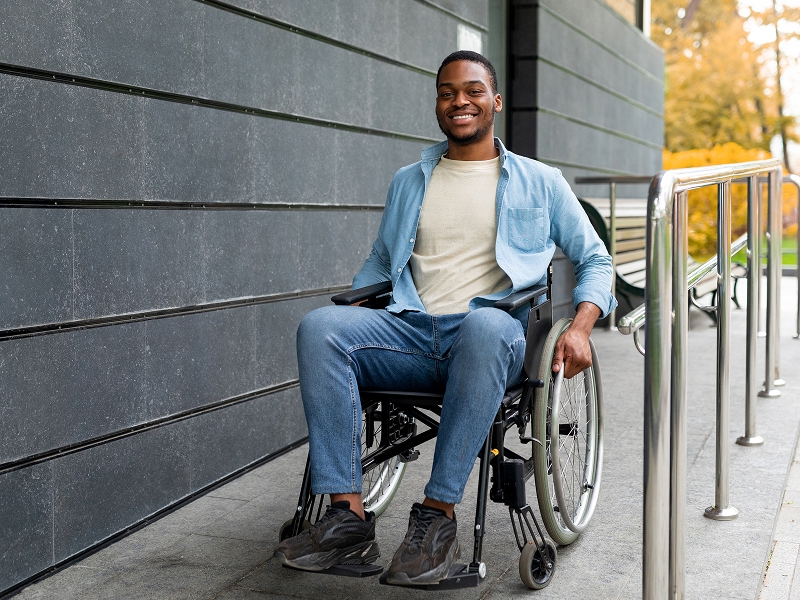
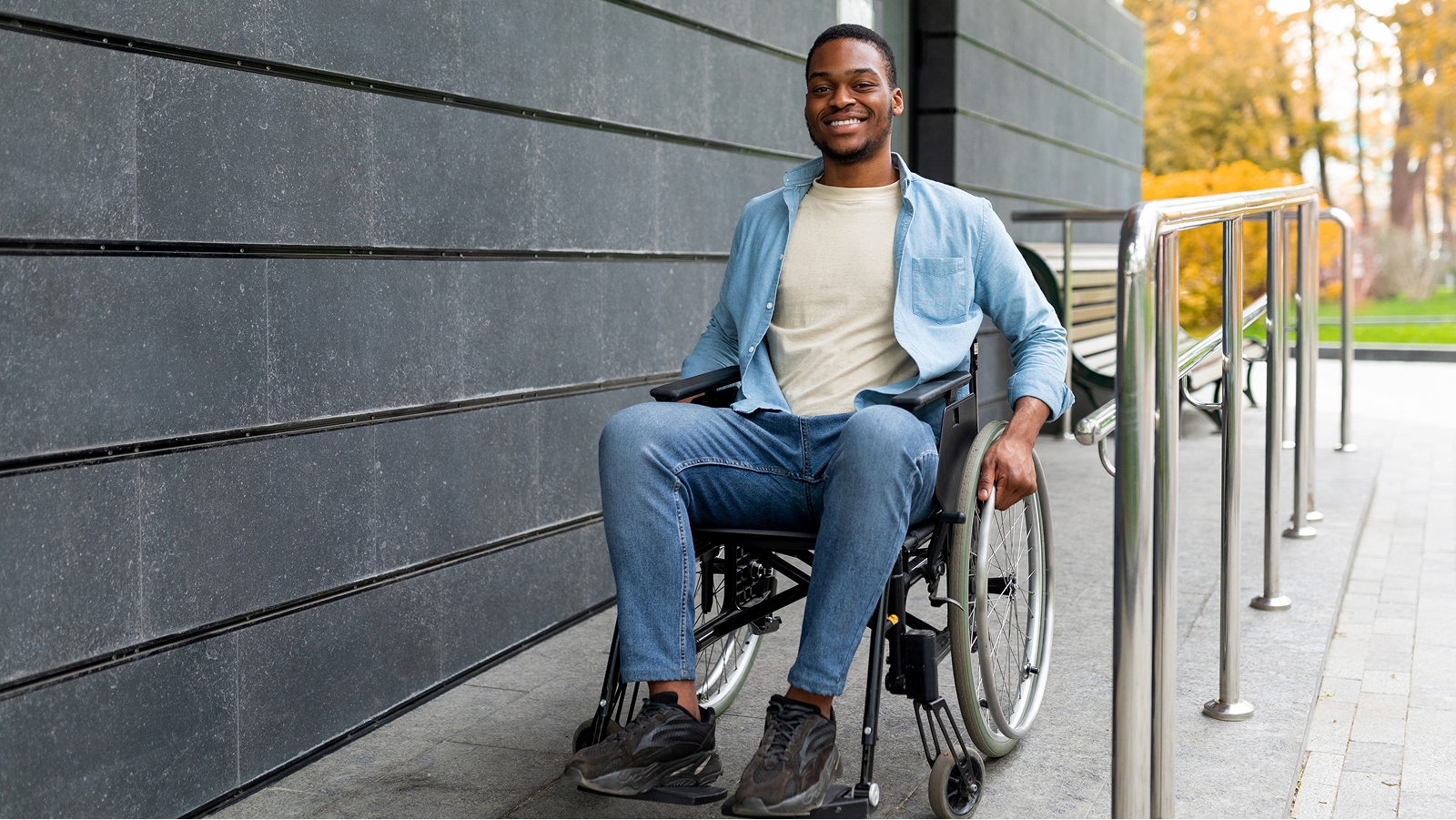
Access to our facilities
We want to make our buildings easy to navigate for all members, potential members and their families. We have several accessibility features and services to support your visit.
Service animals are welcome at all financial centers and the bank lobby. We can also provide speech and sign language interpreters, note takers, and qualified readers.
If you need these services, call us at 800-531-USAA (8722).


Access to our online content
Our goal is to make our online services simple and easy to use for everyone. We design our content to meet accessibility standards and support how you choose to get it.
Many USAA documents are compatible with screen readers. If needed, you can also get them in Braille or large print.
You can set your document preferences from your member profile or by calling us at 800-531-USAA (8722).
Recommended screen reader and browser combinations
If you use a screen reader, we recommend these screen reader and browser combinations for the best experience:
Desktop computers
- Job Access With Speech (JAWS) for Chrome on Windows
- VoiceOver for Safari on MacOS
Mobile devices
- TalkBack for Chrome on Android
- VoiceOver for Safari on iOS
To set up your screen reader so it pronounces acronyms correctly, view our recommended dictionary entries and keyboard shortcuts.